
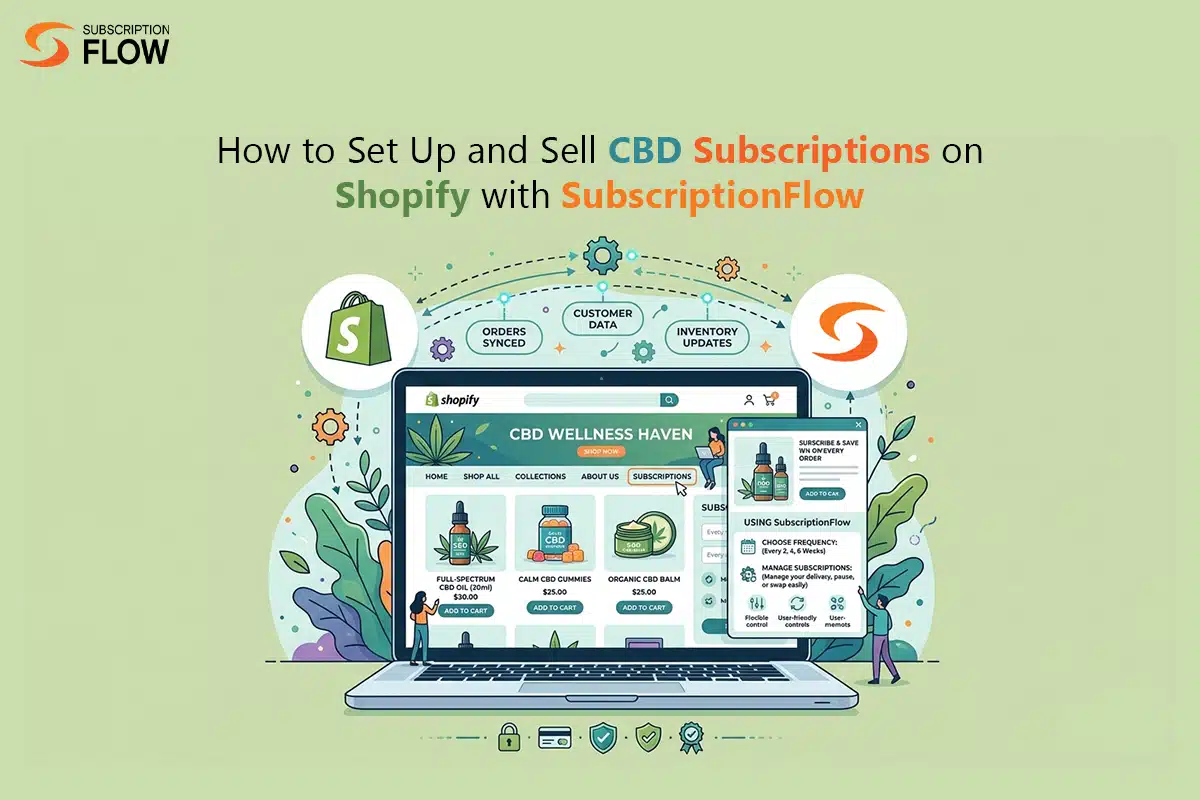
How to Set Up and Sell CBD Subscriptions on Shopify with SubscriptionFlow
CBD is a fast-growing ecommerce category. Since it has gained popularity, there are many customers who want to go beyond single purchases, and sign up for recurring deliveries. This makes the subscription model a good fit for CBD products (oils, gummies or other wellness goods).
But the problem that merchants encounter is that Shopify’s current infrastructure doesn’t support subscriptions very well. It limits recurring payments, poses payment gateway restrictions, and doesn’t provide subscription management.
Not to mention that CBD is categorized as a high-risk industry too, with higher payment decline rates. Due to these pain points, it’s difficult for merchants to build seamless billing experiences.
That’s where the right tools, like SubscriptionFlow come to the merchants’ rescue. They make the CBD subscription management on Shopify possible, establishing smooth billing rails, and assisting quick deliveries.
Why CBD Products Make Sense on Shopify
CBD is best for the subscribe & save model because of its demand and consumption. Consumers require regular stock-ups, and that makes CBD products suitable for repeat purchases. Instead of letting customers make one-time purchases again and again, merchants can simply set up subscriptions for them on Shopify.
This way, it becomes easier for customers to receive their deliveries as they are made regularly, and don’t need repeat reminders or manual confirmations. Customers can just subscribe to a product or products once and then forget about subscription because the payments and deliveries are automatic.
CBD subscriptions also make sense for the merchants because they create recurring cash flow streams for them. They get to retain their loyal customers instead of spending huge amounts on acquiring new ones. This ensures higher customer lifetime values and more consistent income for the businesses.
However, these benefits can only be reaped truly when the CBD subscriptions are managed right. As of now, Shopify doesn’t have any built-in features for that, which results in the following challenges:
Key Challenges in Setting Up CBD Subscriptions
Among the many shortcomings store vendors face, these stand out:
Payment restrictions
CBD products are not supported by all the payment gateways, because CBD is marked as a high-risk industry. There are certain gateways that fully allow CBD payment processing like NMI and Authorize.Net, but those aren’t readily available on Shopify. They are third party gateways that need special integration with the platform.

Shopify’s own gateway called Shopify Payments doesn’t allow payment collection for CBD items, and can freeze merchant accounts if such a transaction is spotted. This is why it makes things more complicated for CBD merchants compared to those selling regular products.
Lack of subscription management system
Even if Shopify stores integrate with CBD-friendly payment gateways, they still lack subscription management. Shopify doesn’t have built-in subscription management features, and is more optimized for single transactions. Similarly, payment gateways like NMI also support one-time payment processing, and require authorization for each new payment.
Meaning, these gateways don’t enable recurring payments automatically, and need a third-party platform for that. In the absence of recurring payments and subscription management, merchants have no choice but to fall back on manual processes, decreasing efficiency.
Compliance and transparency
For both compliance and customer trust, transparent billing is necessary. Merchants selling CBD products need crystal clear billing terms that aren’t violated. They need to make sure that their customers fully understand what their subscription entails, how their payments will work and when plans will be renewed. Then, payments must be deducted right on the billing dates communicated to customers, not a day earlier or later.
Step-by-Step: Setting Up CBD Subscriptions Using SubscriptionFlow
Follow these simple steps to set up CBD subscriptions the easy way, with the help of SubscriptionFlow. The SubscriptionFlow app on Shopify is specifically built for subscription businesses like yours, and fully supports high-risk payment processing for CBD products.
1. Install SubscriptionFlow from Shopify app store
After creating your Shopify store, the first step is to install the SubscriptionFlow app. It is non-negotiable for setting up subscriptions the right way. After the app is installed, it needs to be connected to your Shopify store-front. When all the connections are made, then you get to move onto the next step.
2. Set up your CBD products in SubscriptionFlow
You create your products inside SubscriptionFlow. For instance, CBD oil, gummies or any other wellness product. You can create more than one product at the same time, and sell multiple CBD products together. Assign each product correct product details that can be easily understood by customers.
Create product variants and assign each variant its own price. When products are finalized, you can sync them with Shopify so that they appear in your product catalog. Product logic is completely controlled by SubscriptionFlow while Shopify is used just to showcase these products.
3. Configure your subscription plans
As next step, create plans for your CBD products. Match products with the most suitable plans. For example, monthly CBD oil replenishment, or bi-weekly gummy deliveries. Assign each plan a unique pricing and billing frequency. Also attach flexible discounts with the plan like “10% off for the first three deliveries”. General subscription discounts can also be given where subscribers benefit from lower prices compared to non-subscribers.
What’s more, merchants can also create and display subscription bundles. A bundle contains more than one CBD product, and this assortment can be both random or complementary.
4. Connect with a CBD-friendly payment gateway
SubscriptionFlow allows you to choose payment gateways that suit your CBD subscription business. NMI is a clear example. These gateways are available as no-code integrations in SubscriptionFlow and can be connected in minutes. Once you have a relevant payment gateway ready, you’re prepared to bill customers.
5. Activate recurring billing
Recurring billing can be activated within SubscriptionFlow, and activating this option means that your recurring CBD payments are auto-approved and processed for customers on their selected billing dates.
1.) Your customers will choose their preferred plan from your Shopify store, 2.) head over to the SubscriptionFlow-backed checkout to pay, 3.) get their payment processed through your enabled payment gateway, 4.) have their billing data stored inside the system’s database 5.) and get charged on upcoming billing date automatically.
6. Customize checkout page
Make your checkout branded, professional and easy to navigate. Give your customers both options: one-time purchase or subscription. In case of subscription, just make sure that you highlight all the billing details, seek approval for recurring payments, and notify your customers regarding their upcoming billing date.
7. Set up notifications and workflows
Activate automatic notifications in SubscriptionFlow so that your customers remain informed of their subscription journey. Inform them about any event, for instance, send reminders for payment just before your billing day.
You can even notify your customers about order confirmation, expected delivery time frame, or shipment details. This way you make sure your customers are never left wondering about anything.
8. Monitor and optimize
By this stage, you have already set up subscriptions, and started selling them. All that’s left to do is to monitor your activities to check progress, detect bottlenecks and enhance your plans. Use the various reports provided by SubscriptionFlow to track your performance in terms of revenue, number of active subscriptions, number of successful or failed payments, and most importantly the churn rate.
That’s how you create CBD subscriptions on Shopify using SubscriptionFlow. Start creating plans and processing CBD payments by installing the SubscriptionFlow app today!

POPULAR POSTS


Think Business!
Related Posts
 The Ultimate Guide to Subscription Businesses for Dummies
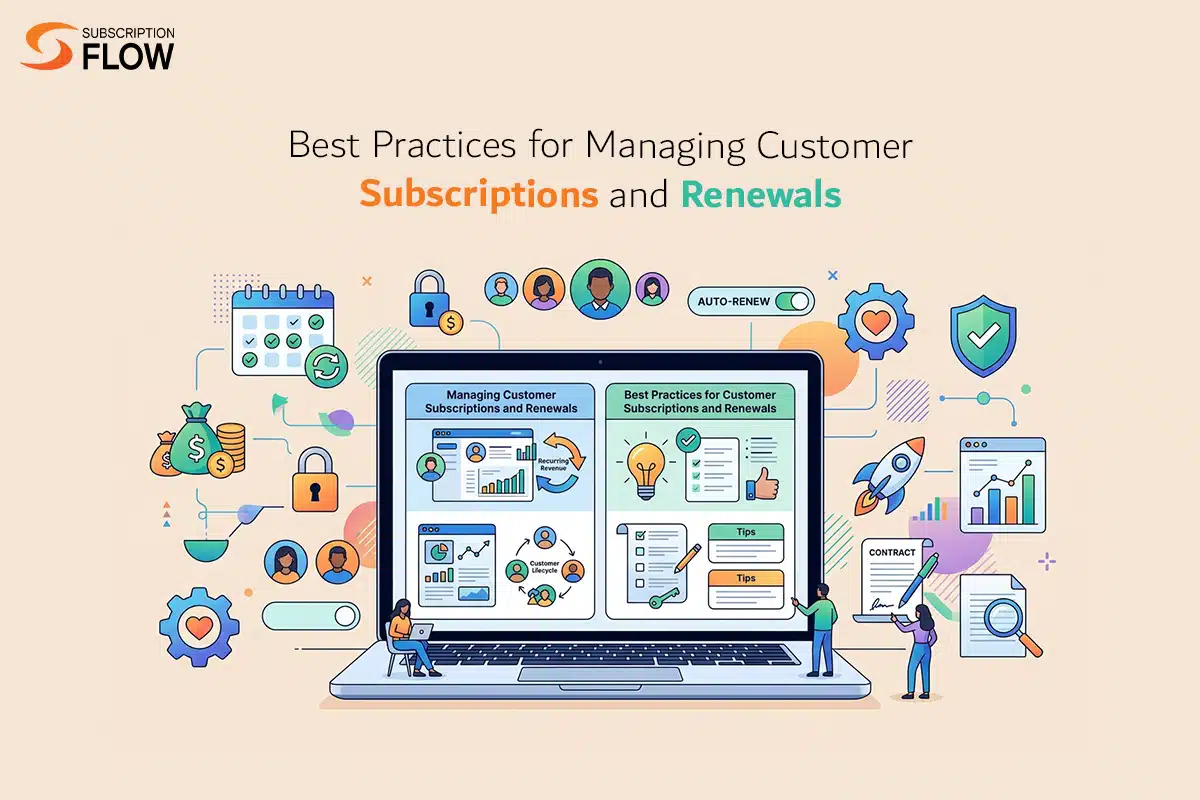
- How to Maximize Subscription Renewals Ethically
- SubscriptionFlow: The Best WordPress Subscription Management Plugin
 What Is CMRR and How Does It Help the SaaS and Subscription Businesses In Forecasting the Recurring Revenue?
- Transitioning to SaaS Subscription Model—Needs, Challenges, Strategies, Monetization, Management, And All It Takes To Move To A Recurring Revenue Model