

How to Set Up Automated Recurring Payments for Online Services?
Subscriptions are among the most promising ways to ensure predictable, recurring revenue for an online business. However, running subscriptions is not as easy as it seems. The foundational step in establishing a successful subscription model is to set recurring payments, a process that goes far beyond simply charging a customer’s card once at a set interval. When handled manually, it is more of an administrative hassle than a growth engine. This makes setting up an automated recurring system an absolute necessity.
Automating your recurring payment solves problems on both sides of the equation. It promises predictable cash flow for your business and offers convenience to customers. But to achieve automation, you need a setup that handles variable pricing, protects customer data, recovers failed transactions, and scales with your revenue.
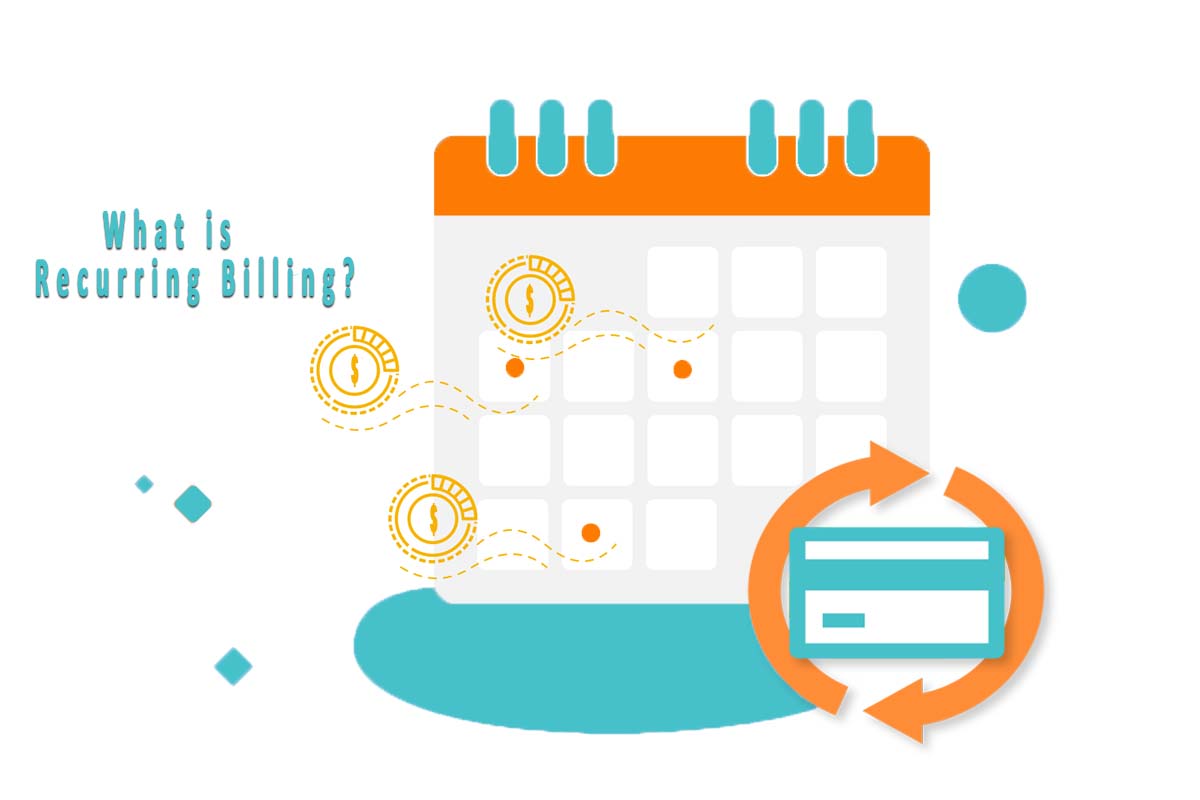
How Recurring Payments Work
In simple words, recurring payments involve charging your customers at a predefined interval. This can be weekly, monthly, quarterly, or annually. In the modern recurring payment ecosystem, there are three core modules in setting up recurring payments: the payment gateway, subscription management engine, and customer interface (also known as checkout).
A payment gateway works as the financial building block. It stores payment details, verifies available funds, and transfers the payment to the merchant’s account. While payment gateways process payments, they are unable to manage subscription lifecycles. This is where the subscription management engine comes in. It is responsible for all other complexities involved in recurring payments, including intricate subscription lifecycles. It also controls when and how to charge.
Customer interference, on the other hand, is where your subscriber interacts with your billing system. It includes a hosted checkout page and a self-service portal where subscribers can view their current plans, access payment history, and update info. To manage these three well, there’s a need for a centralized revenue engine that can automate your entire billing workflow without the need to administer them separately.
Why Businesses Need Automated Recurring Payments
Undoubtedly, automation brings convenience. But for subscription businesses, it is more of a necessity than an add-on.
Predictable Cashflow
Primarily, it brings predictability. Automatic payments make it easier to forecast revenue and help businesses make informed decisions. This gives teams confidence, which aids in exploring new revenue generation streams.
Reduced Churn
Another promising output of automating recurring payments is reduced churn. Most subscription cancellations are not intentional. They occur due to expired cards, insufficient funds, and fraud-prevention blocks, etc. Automated systems have built-in retry logic and dunning management issues that helps recover failed payments capturing lost revenue.
Less Manual Work
Managing repeated tasks manually are time taking and error-prone. Someone gets double-charged, someone gets missed entirely, or some invoices go out with the wrong amount. This not only increases administrative burden but also hurts business’s integrity.
Higher Customer Retention
By automating the entire subscription lifecycle, businesses offer additional convenience for customers and avoid service interruptions. This improves customer satisfaction and ultimately leads to a higher customer retention rate.

Step-by-Step Guide to Automate Recurring Payments
Step 1: Define your Subscription Plans and Pricing Models
The first step is deciding how to bill your users. Automated billing systems handle several billing models.
- Flat-Rate Billing: A fixed amount is paid for utilising a product or accessing a service irrespective of the usage.
- Tiered Billing: Define different rates for individual quantity brackets. Users can upgrade or downgrade the layer based on use.
- Volume-Based Pricing: Set a single, discounted per-unit rate for the entire purchase when the customer subscribes to the highest quantity bracket
- Usage-Based Billing: Bill customers on the basis of exact consumption, such as API calls made, gigabytes stored, or active contacts managed
- Hybrid Billing: Combine flat-rate subscriptions with usage-based charges, customizing plans for customers.
After mapping your billing logic, define your billing cadences (monthly, quarterly, monthly).
Step 2: Ensure Data Security and PCI Compliance
After deciding how to bill, you need to store the customer’s card info to charge them on an ongoing basis. For this purpose, there’s a need to strictly follow security and regulatory compliance. For this purpose, businesses need to follow the Payment Card Industry Data Security Standard (PCI DSS), which governs how card data needs to be handled. It binds businesses not to store the raw card numbers on their own servers. Instead, rely on tokenization to store data. In tokenization, the processor encrypts the card details at entry and assigns a token that can be used for future charges without ever touching the actual card number again. If you’re selling internationally, additional regional rules are applied to ensure data security:
- Strong Customer Authentication (SCA) and 3D Secure: It is required across Europe, adding a verification step (like a one-time code) during setup to counter fraud.
- Tax Compliance: VAT, GST, and local sales tax need to be calculated based on the geographical location of the subscriber.
Step 3: Integrate Your Payment Gateways and Billing Software
When logic and compliance are sorted, connect your tech stack.
- Select Payment Gateways: Don’t restrict yourself to a single payment method. Offer a variety of options, including credit card, debit card, ACH, online transfer via PayPal, Apple Pay, etc. When customers see their preferred payment method, the conversion rate increases.
- Connect to Your Billing Engine: Link your selected payment gateways to your subscription management platform using secure API keys or native integrations.
- Set Up Product Catalogs: Build out your product catalog, create your plans, add add-ons, and establish discount rules within the billing engine.
Step 4: Design Frictionless Checkout Pages and Customer Portals
Checkout is the final step when a potential customer turns into a subscriber. Therefore, it is important to keep this process clean and transparent. Keep the fields short and minimal, collecting essential information like name, email, payment info, and billing address. State the renewal terms plainly, including amount, interval, and renewal date. Vague billing terms lead to chargebacks and erode customer trust.
After ensuring frictionless checkout, the next step is to certify that customers have a self-service portal. Once someone’s subscribed, they should be able to manage their own account. Self-service portals let customers:
- Update card details
- Download past invoices
- Switch tiers
- Pause or cancel subscription
Step 5: Automate, Proration, Invoicing, and Lifecycle Events
Subscriptions are rarely static. People upgrade mid-cycle, add seats, and pause for a few weeks. If you’re calculating these changes manually, you eventually end up making costly mistakes. Therefore, there’s a need for a well-built system that can handle this automatically.
Every successful charge should generate an invoice and receipt without anyone having to click a button. And webhooks should tie your billing engine to your actual application. If a payment fails or a plan expires, access is modified or revoked without manual intervention.
Step 6: Implement Smart Dunning Management
Use an effective dunning strategy to retry payments. This includes processing retries at strategic times to increase the success rate. Send a friendly, direct email pointing to a secure link where the customer can update their card without logging in anywhere.
Many billing platforms also sync with card networks directly, so an expired or reissued card updates in the background with no outreach needed at all. Additionally, introduce grace periods and pauses. This gives the retry login time to work while keeping the customer relationship intact.
Common Mistakes to Avoid
While automating your recurring billing, avoid these common mistakes to ensure a successful setup.
- Not testing the full billing cycle: Businesses usually test only the initial signup and forget the rest. This often leads to unsolved problems at the time of upgrade, checkout, or cancellation.
- Ignoring failed payment recovery: Make sure that your system has retry logic to recover failed payments. This is often where the most preventable churn happens.
- Overcomplicating pricing plans: Avoid offering too many tiers and add-ons. This confuses customers and makes billing logic harder to deal with.
- Not making cancellation easier: It’s important to offer a convenient exit strategy. This even attracts more customers as it builds more trust and reduces voluntary churn because customers don’t feel trapped.
How SubscriptionFlow Can Subscription Flow Help?
Setting up automated recurring payments for online services involves too many fragmented systems. You need to choose a gateway, handle tokens securely, map out billing logic, build dunning management, stay compliant across regions, and keep an eye on churn-related metrics. Managing all these manually or relying on disconnected tools is possible, but not feasible for long-term growth.
This is exactly the gap SubscriptionFlow fills. It is a dedicated subscription management and billing automation platform that handles flexible billing cycles, proration, and multi-currency support out of the box. Here’s what makes SubscriptionFlow stand out:
Pricing and Billing Flexibility
Run your suitable plans, such as flat-rate, seat-based, usage-metered, and hybrid, etc., from one interface and change your pricing strategy without rebuilding your codebase around it.
True Gateway Independence
SubscriptionFlow connects with major global payment gateways, including Stripe, Authorize.net, Ayden, Peach Payments, iyzico, etc., giving you complete freedom over your payment processing architecture.
AI-Powered Revenue Recovery
The dunning engine handles retries and customer outreach automatically, typically recovering the revenue that is otherwise lost due to involuntary churn.
Complete Subscription Lifecycle Control
From self-service portals and customizable checkouts to multi-currency, global tax support, and real-time revenue analytics (MRR, ARR, Churn, CLTV), all sit in one dashboard instead of five different tools.
Start Automating Your Recurring Payments Today
Automating recurring payments turns billing from a recurring headache into a predictable revenue driver. If you’re evaluating how to build or improve your recurring billing process, it’ s worth looking at a platform purpose-built for this exact task. SubscriptionFlow brings together all the necessities required for automating recurring payments without the usual administrative burden, making it a strong choice for businesses that want to scale their subscription revenue smoothly.

POPULAR POSTS

Think Business!
Related Posts
 Subscription Billing Platform for Publishers: Smarter Content-Based Revenue Generation
 Why Passive Churn is Harmful and How You Can Grow Your Customer Base during COVID-19 with Recurring Billing?
- Manage Payments as per Customer’s turn out through Recurring Billing
- Recurring Billing, Recurring Payments, and Recurring Revenue—What are they and How Do They Work Best for Your Business?
- SubscriptionFlow Recurring Billing System can make your Work Quicker and Simpler