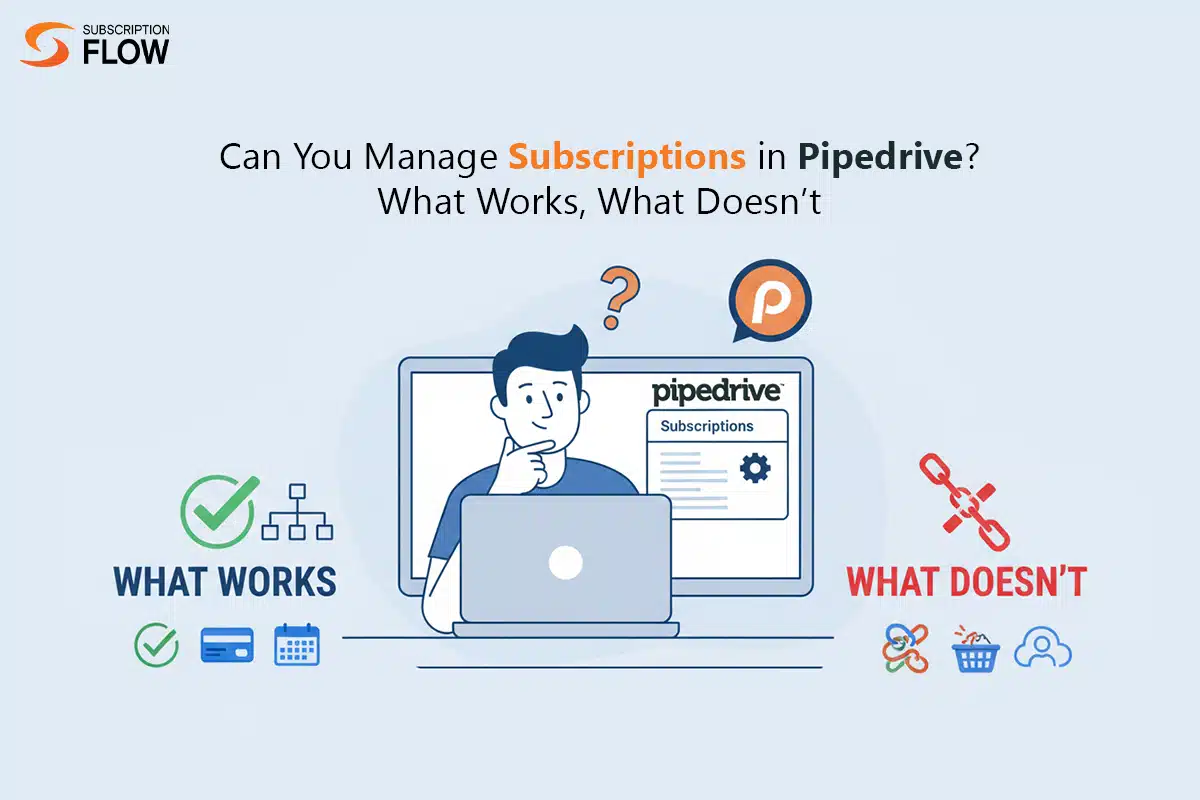
Can You Manage Subscriptions in Pipedrive? What Works, What Doesn’t
Closing a deal and selling a subscription are two separate phenomena. Traditionally, when a deal is closed, businesses consider it a win-win situation. The agreement is marked won, revenue is collected once, and the sales process ends. But unlike traditional sales models, subscription businesses work entirely differently. They operate in an ongoing cycle, i.e., billing repeats monthly or annually, customers update their plans, contracts renew, and churn constantly threatens future revenue. This makes it a complicated process to achieve the “win.”
Pipedrive is often at the center of this confusion. It stands out as an excellent sales customer relationship management (CRM) tool, and many SaaS teams rely on it daily. But once recurring revenue and its associated activities come into play, teams begin stretching Pipedrive beyond what it was built to do. The software is designed to manage sales-focused workflows, but it lacks expertise in subscription management.
What Pipedrive can Handle Well
Before understanding the software’s shortfalls, it is important to understand its benefits.
Managing Deals and Sales Pipelines
Primarily, Pipedrive manages sales deals for businesses. With this, you can create multiple pipelines (new sales, upsells, renewals), set distinct sales stages, monitor deal value and expected close dates, and assign deals to specific representatives or teams. For subscription businesses, it helps to manage newly acquired businesses and even renewal conversations as long as they are targeted sales opportunities.
Tracking Sales Stages and Activities
Visibility is Pipedrive’s core expertise. Teams can easily log calls, emails, and meetings. It also enables follow-ups and reminders, and offers insights about which deals are working and which are struck. For subscription management, Pipedrive does a solid job of handling the sales process.
Handling Contacts, Organizations, and Basic Revenue Reporting
Pipedrive’s data model includes people (users, buyers), organizations (accounts), and deals (commercial opportunities). With this structure, B2B SaaS can effectively map account hierarchies. This is also effective in account ownership, territory management, and customer visibility.
Custom Fields for Subscription Metadata
For extensive use of custom fields on deals, contacts, or organisations, Pipeline works well. Many subscription teams attempt to model subscription data here, including monthly recurring revenue (MRR), annual recurring revenue (ARR), plan name, billing frequency, and the contract’s inception or termination date. The Pipedrive stores values but doesn’t enforce billing logic.
Workflow Automations
With rule-based actions, Pipedrive automates moving deals between stages, creating activities when a deal closes, and updating custom fields. However, do not mix this automation with billing intelligence. These automations can only support lightweight subscription workflows, such as creating a “renewal deal” X days before a contract’s end date.
Where Pipedrive Falls Short for Subscription Management
Once businesses start examining subscription management at a system level, the limitations of the software become evident.
No Native Subscription or Recurring Billing Engine
In Pipedrive, there’s no concept of active subscription. It means it treats subscriptions as static objects rather than ongoing billing relationships. Therefore, this alone disqualifies Pipedrive as a standalone solution for subscription billing.

No Automation for Billing Cycles or Renewals
To manage subscription billing, time-based logic is needed. However, Pipedrive can’t trigger recurring charges, generate renewal invoices, extend contracts, and enforce renewal conditions under its automation capabilities. In subscription businesses, teams rely on calendar reminders or manually created renewal deals, which can lead to manual errors or operational risks.
No Proration or Mid Cycle Adjustments
Modern SaaS pricing models usually include seat-based pricing, usage-based pricing, and mid-cycle plan adjustments. To do so, there is a need to conduct precise calculations tied to billing periods. Pipedrive lacks time-based revenue logic. Hence, upgrades can’t be prorated, downgrades can’t be credited, and usage can’t be calculated.
No Churn, Retention, or Lifecycle State Modeling
Lifecycle visibility plays a primary role in the growth of a subscription-based business. It includes continuous monitoring of active, trial, paused, cancelled, and expired subscriptions. Pipedrive doesn’t have an inbuilt capability to track the user’s state. Teams do so manually by marking a renewal deal or updating a custom field. This often causes inaccurate churn reporting, faulty cohort analysis, and falsified retention forecasting.
Reporting Limitations for Subscription Metrics
The reporting engine of Pipedrive can only optimise deal velocity, win/loss rates, and sales performance. It can’t conduct MRR movement analysis, net revenue retention (NRR), gross churn, and expansion vs. contraction revenue analysis. When a subscription-based business relies on Pipedrive as its core management software, there is a 100% chance of discrepancies in subscription metrics.
Operational Risks
Using Pipedrive as a standalone software without a billing system is a bigger operational risk in itself. It causes systemic risks, including missed renewals as there’s manual tracking, inaccurate MRR from outdated custom fields, and revenue leakage from failed or delayed billing. Additionally, there’s admin overhead for RevOps and finance teams, and data inconsistency across CRM, billing, and accounting. These risks increase further as customer volume rises.
Why Subscription Businesses Need an Integrated Billing Layer
It is important to understand that subscription billing is a specialized domain. Dedicated subscription billing platforms like SubscriptionFlow exist, as CRMs are not designed to handle financial execution. SubscriptionFlow manages your subscription lifecycle, handles billing schedules, creates invoices and payments, implements proration, and regulates taxes and compliance. This logic is deterministic and time-based, which helps subscription-based businesses move forward.
Syncing CRM Data with Billing Data
The key is integration, not replacement. Pipedrive manages your deals, relationships, and sales activity. The billing system handles financial transactions, subscriptions, and revenue logic. When combined, they enable accurate tracking of subscription status for sales teams and precise figures for the finance head.
With a proper billing layer, businesses acquire:
- Accurate MRR and ARR reporting
- Precise forecasting
- Less churn from failed payments
- Reduced manual work for sales and ops teams
Who Can Use Pipedrive Alone vs. Who Can’t
Relying on Pipedrive alone can work for businesses that are very early-stage, have limited customers, and provide simple monthly or annual plans. It is also suitable if your business doesn’t require any proration or usage-based billing and can tolerate manual processes.
However, you’ll likely need SubscriptionFlow as a proper subscription billing platform if you are a growing SaaS company that offers a broad range of subscription plans and frequently updates them. Utilising SubscriptionFlow offers you scalable growth and automated billing.
Pipedrive + Billing Tools: How the Stack Typically Works
High-Level Architecture
A common setup usually looks like:
- CRM: Sales pipeline, contacts, deal data
- Billing System: Subscriptions, invoices, payments
- Accounting Tool: Revenue recognition, financial reporting
What Data Should Live Where
- In Pipedrive: Leads and deals, sales stages, account ownership, contract-level context
- In billing systems: Active subscriptions, billing cycles and invoices, payment status, MRR and ARR calculations.
Manage Subscriptions Seamlessly with SubscriptionFlow
Pipedrive doesn’t offer subscription management. Expecting it to do so will lead you to inaccurate reporting, manual overhead, and scaling problems. SubscriptionFlow Pipedrive integration can help businesses to manage their subscriptions seamlessly without much on manual efforts.
For SaaS founders, RevOps leaders, and subscription operators, the practical takeaway is to assess billing complexity early on. Designing systems on time, aligned with your business requirements, will help you achieve long-term growth without substantial losses. Use Pipedrive for sales execution and SubscriptionFlow for managing subscriptions and revenue logic. SubscriptionFlow automates billing, plan changes, and revenue calculations, freeing your team to focus on growth while keeping operations accurate and scalable. Let each system do what it does best.
POPULAR POSTS




Think Business!
Related Posts
 Use CardPointe Gateway to Sell Medicine Subscriptions for the Elderly
 The Future of Print and Publishing—Is There a Light At the End of the Tunnel?
- A Potential Subscription Model for Your Law Firm in 2021
- SaaS Business Model – Facts, Stages and Pros & Cons to Know About
- How to Manage ClickFunnels Subscription Bundles with Subscription Management Software